Three doors
A subscription pulls a whole set at once; scan or clipboard imports a single row; type by protocol. Whoever controls the subscription URL can change your exit.
Not a carrier, and it doesn’t sell lines. You hand it a server; it builds a switchable tunnel in the system, then splits by rules.
932747118. No official Android, no official desktop. Buying and switching regions: download.The client handles “how traffic goes.” The line handles “where it goes.” This site explains only the former.
A subscription pulls a whole set at once; scan or clipboard imports a single row; type by protocol. Whoever controls the subscription URL can change your exit.
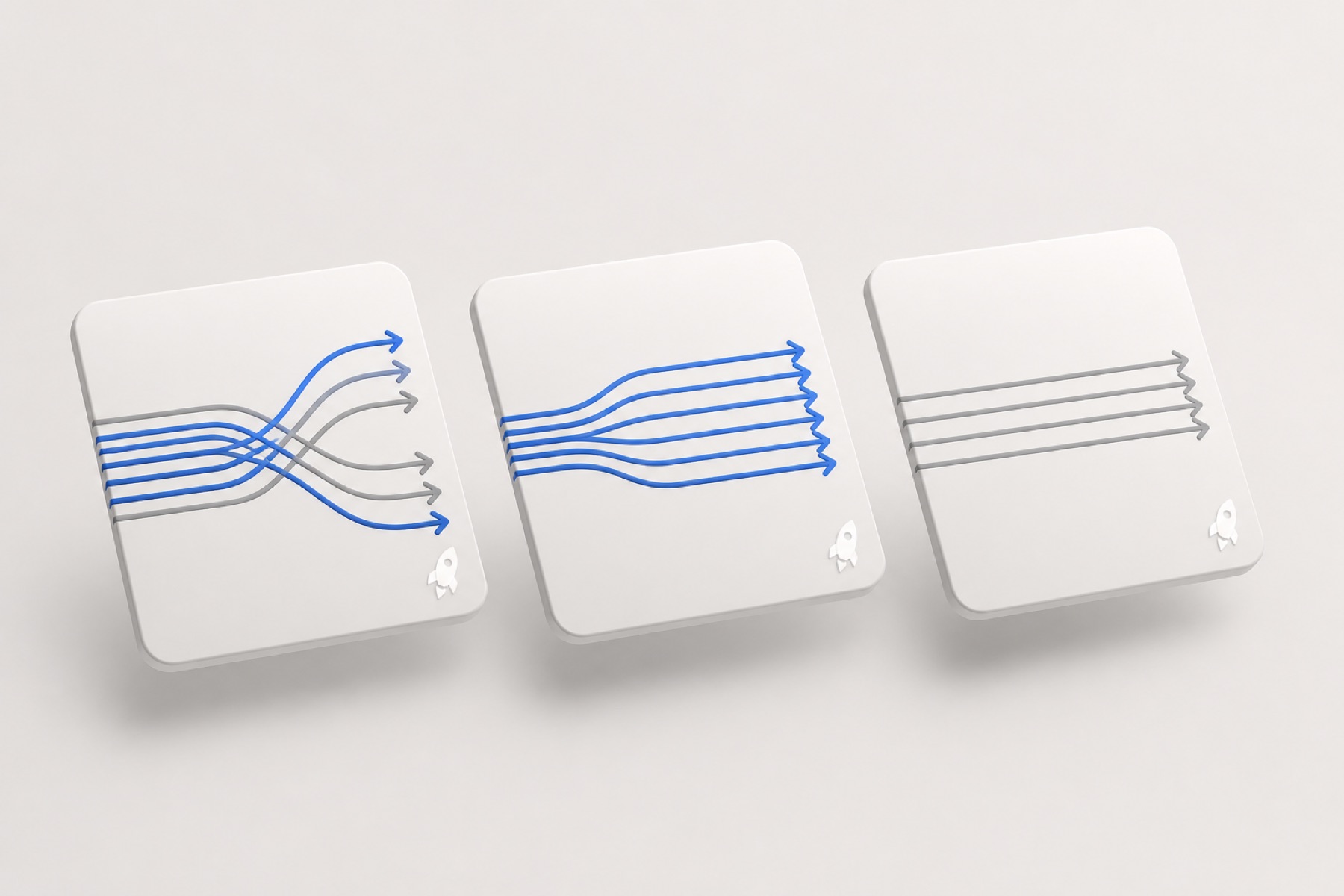
Daily use stays on Config. Proxy is close to global, for debugging only. Direct is power-off—compare whether the phone itself can get online.
Rules decide who enters the tunnel. DNS decides where a name resolves first. A bad fill shows up as “switch on, this site won’t come out.” How to change it is in the tutorial.
The first connect adds a configuration, confirmed with Face ID or a passcode. That’s the normal door. With no node, pages will not improve.
It doesn’t provide servers or keep a given line alive. MITM / certificate decryption can split open encrypted traffic. Leave it off if you don’t understand it.
Switch to an Apple ID from a listed region, search Shadowrocket, check 932747118. Taps: download.
On a new phone, restore the purchase with the original account, then import the subscription. Deleting the app may wipe the local list; the URL stays in your hands.
VPN in the status bar only means the tunnel is up. You still need a handshake, a mode, and whether this site should go through the tunnel.
Switch back to Direct when you’re done. Long global use shoves updates and video down one node—slow and power-hungry.
Get split routing clear first. If you truly outgrow the writing, switch to an instrument with deeper rules—don’t start from the most complex end.
Intro, download, tutorial, FAQ, glossary, blog, about. No connectable addresses, no help desk.